









The Code Zone review: Online coding clubs for home educated children
We tried The Code Zone: our honest review of its online coding club
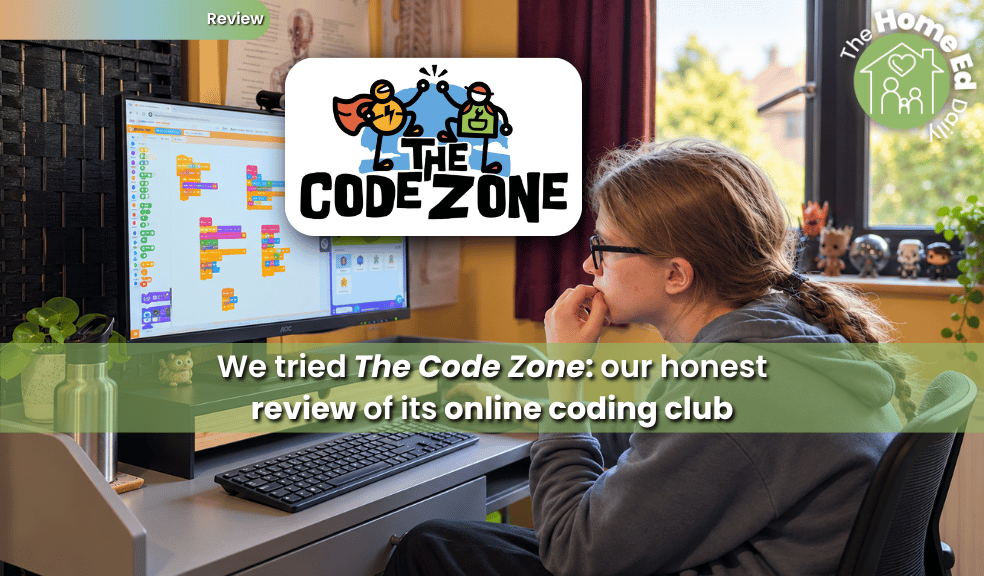
The Code Zone is an online coding club for children aged 6–16, with small live groups, regular mentors and dedicated daytime sessions for home educated children. My 15-year-old son tried the Game Dev Club for a month to see how well the mentoring, projects and flexible approach worked in practice.
💚 Gifted review: We were given a gifted month of The Code Zone’s Game Dev Club so that we could try it for ourselves. I wasn’t paid to write this review and there was no requirement to provide coverage or a positive piece. As always, all opinions are my own and I only feature resources on The Home Ed Daily that I genuinely believe are relevant and useful to home educating families. 💚
My 15-year-old has been interested in coding before, but it had rather fallen by the wayside. Like plenty of teenagers, he’s far more naturally drawn to playing games, creating things digitally and disappearing into Roblox than sitting down because somebody has decided it’s time to learn programming. So when The Code Zone offered us the chance to try its online Game Dev Club, I was interested to see what he would make of it.
The answer surprised me a little. He really enjoyed it. More importantly, by the end of our trial he wanted to carry on. The sessions had actually rekindled an interest in coding that I thought had fizzled out, and a large part of that came down to having a real person there each week rather than another online platform quietly waiting to be forgotten in a browser tab.
What is The Code Zone?
The Code Zone runs online coding clubs for children aged 6 to 16, alongside face-to-face clubs in parts of the East of England.
The live Game Dev Club costs £65 a month and includes one hour-long session each week in a group of no more than six children. Children have the same mentor and regular group each week, rather than being dropped into a different class every time. Beginners are welcome and children can progress from block-based coding such as Scratch towards Python as their skills develop.
There’s also a self-paced Game Dev Academy for £25 a month, with mentor support through text and video messages rather than a weekly live club. Minecraft Mod Worlds, weekly games and other activities are included with memberships.
For home educating families, there are dedicated daytime online sessions at 1.30 pm on Tuesdays, Wednesdays and Thursdays during term time. That alone makes a difference. Home educated children don’t necessarily need another activity squeezed into the 4 pm onwards slot simply because that’s when school finishes.
Before paying anything, families can book a free live taster session without entering card details.
Our experience of Game Dev Club
O was 15 when we tried The Code Zone, putting him towards the upper end of its advertised age range. That was useful for me because a lot of children’s coding resources look fantastic for an enthusiastic eight-year-old but become distinctly less convincing once you put them in front of a teenager. Thankfully, the sessions didn’t feel babyish.
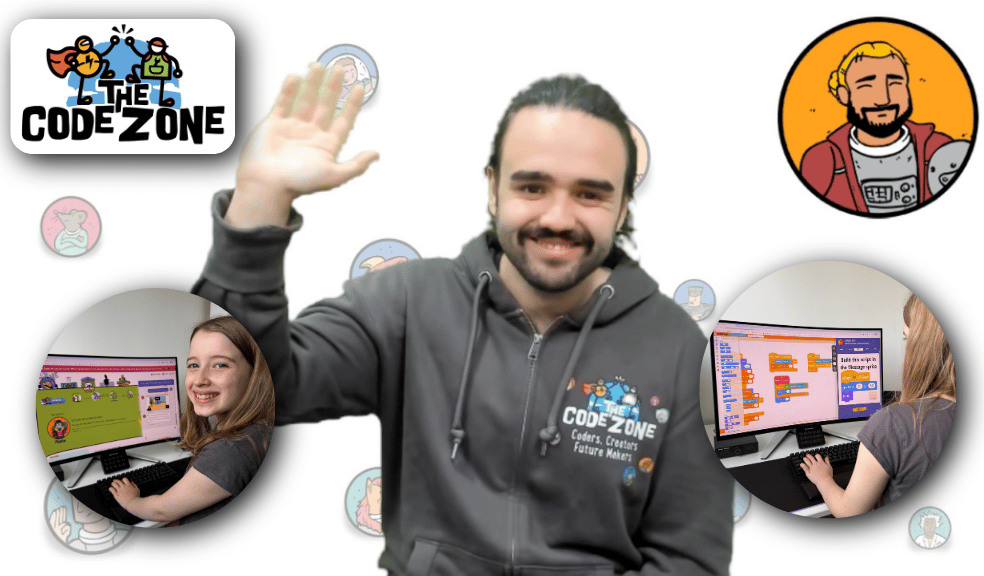
O’s mentor was Aaron, and honestly, Aaron was probably the single biggest reason the experience worked so well for him. The atmosphere was very calm. There wasn’t pressure to perform, have a camera switched on or constantly talk. Children could use the chat and ask for help without having to announce themselves to everybody, and Aaron was friendly and encouraging without hovering over what O was doing.
That matters more than it might sound. There are countless websites where children can learn coding independently, many of them free or inexpensive. What’s harder to replicate is a person who notices what they’re doing, answers the odd question, encourages them to try something and gradually gets to know how they work.
Interestingly, The Code Zone itself says much the same thing on its pricing page. When explaining what families are paying for, its answer is: “The honest answer is a person.” After trying it, I think that’s fair. Without Aaron, I suspect O would have approached the games in much the same way he has approached plenty of self-paced learning platforms over the years: enthusiastically for a while, perhaps, before they quietly joined the archaeological layer of abandoned subscriptions. Having a mentor made the experience feel much more human.
Making games rather than sitting through coding lessons
Game Dev Club is built around creating and changing games rather than following a conventional lesson. During our trial, O worked on different projects and could adapt what was already there rather than simply reproducing exactly what somebody had told him to make.
One week, for example, the projects included My Pet Monkey, where players had to manage the monkey’s statistics and keep it fed, entertained and rested. The guided hack introduced thirst as another statistic and added a way of giving the monkey water. Another project, Cannon Defender, involved defending against approaching skeletons. New mechanics were gradually added, including traps and increasingly difficult waves of enemies.
That’s quite a clever way of teaching programming ideas because the code is doing something immediately visible. Change something, run the game and see what happens. For a child who’s primarily interested in games rather than coding for coding’s sake, that gives the programming a reason to exist. O had done some coding previously but hadn’t shown much interest in returning to it recently. Over the weeks with The Code Zone, I could see that interest beginning to wake up again. That’s probably the most meaningful thing I can say about the trial. He didn’t merely tolerate the sessions. He wanted to keep doing them.
The mentor support made the real difference
O’s mentor was Aaron, and I think he was probably the single biggest reason the experience worked so well. Their conversations weren’t limited to coding. They often chatted about games they both played, and O would recommend games for Aaron to try. That made the sessions feel much more natural than a conventional online lesson. Aaron took an interest in O as a person rather than simply appearing once a week to work through a coding task.
He was encouraging without being over the top, regularly praised O’s work and paid attention to whether the level was actually right for him. If something seemed too easy, Aaron would move him up rather than making him work through material he’d already understood. When O had questions, he usually used the chat feature. Aaron answered quickly and clearly, so O could get unstuck without having to interrupt the whole group or speak on microphone if he didn’t want to. That flexibility was one of the things I particularly liked about the club. There was support when he needed it, but he was also trusted to get on with things independently.
O also received encouraging video messages from Aaron between sessions. Those little bits of contact made the whole experience feel considerably more personal than simply paying for access to an online coding platform. By the final session, it was obvious that they had developed a genuine rapport. Aaron seemed genuinely sorry to see O leave, wished him well and even told him that he could still get in touch through my email if he ever wanted to message him. That might sound like a small thing, but it summed up what I think The Code Zone got right for O.
There are plenty of places children can learn coding online. What made this different was having a consistent adult who got to know him, talked to him about the things he cared about, noticed what he was capable of and encouraged him along the way. Without Aaron, I’m not sure O would have become nearly as invested in it. With him, coding started becoming interesting again.
I also knew what he was doing without hovering
There was another small feature I appreciated as a parent. After every session I received an email explaining what the group had been working on that week and what had been introduced to the games. They weren’t generic “O attended his lesson today” messages. They actually explained the projects.
For example, the email about My Pet Monkey described the different statistics the player needed to manage and the new thirst mechanic added during the guided hack. The Cannon Defender update explained how the previous session had introduced traps and the latest one changed the skeletons so they approached in waves. That meant I had some idea of what O was doing without needing to sit beside him or interrogate a teen after every session, neither of which is particularly conducive to domestic harmony. For home ed parents, I think that’s genuinely useful.
It also leaves you with a simple record of what your child has been doing. The Code Zone itself keeps records of completed projects, and children work through levels with certificates marking their progress. These are not formal qualifications, something the company is quite clear about, but they can form part of a family’s own record of learning if that’s useful to them.
What about neurodivergent children?
This was one of the things that originally made me interested in The Code Zone. A lot of home educated children are neurodivergent, anxious, demand avoidant or simply happier learning in environments that allow them more control over how they participate. The Code Zone holds the National Autistic Society’s Autism Inclusion Award. The National Autistic Society describes its approach as child-led and person-centred, including flexibility around communication and what individual children choose to focus on.
The practical details matter more to me than the badge, though. Children can leave their camera off. They can communicate through text rather than speaking. The Code Zone says breaks are fine, children aren’t put on the spot for answers and participation is treated as an invitation rather than something that has to happen on cue. Groups are capped at six, and mentors are trained in supporting neurodivergent children. Our experience did feel consistent with that. The sessions were calm and low pressure. O could participate in the way that suited him, and Aaron didn’t create unnecessary demands around how he communicated.
It’s impossible to say that any club will suit every autistic, ADHD, anxious or demand-avoidant child, because children aren’t interchangeable little diagnostic checklists. But I do think The Code Zone has put more thought into this than simply sticking “SEND friendly” on a webpage. The free taster is particularly useful here. A child can actually meet a mentor and experience a session before a parent has committed £65.
Is The Code Zone worth £65 a month?
And this is the difficult bit. At the time of writing, Game Dev Club costs £65 a month. That includes the weekly live session, a group capped at six children, access to the coding platform and games, Minecraft Mod Worlds and ongoing mentor support. There’s no joining fee or minimum term, although cancellation requires 30 days’ notice. Discounts are available for paying for longer blocks.
I can see where the cost comes from. The thing you’re paying for isn’t really Scratch. Scratch is free. There are masses of free coding projects online too. You’re paying for Aaron. Or, more accurately, you’re paying for a consistent, trained mentor who turns up every week, works with a very small group, remembers your child, notices what they’re doing, helps when they’re stuck and sends support outside the session. Having tried it, I absolutely think that adds value.
But £65 a month is still £65 a month. For many home educating families that will be a significant expense, particularly when it sits alongside exam fees, groups, sports, tutors, subscriptions, travel and the hundred other small things that somehow colonise the home ed budget.
It’s also the reason we haven’t continued, despite O wanting to. I would have been very happy for him to carry on. He enjoyed Aaron’s sessions and, perhaps more importantly, they had got him interested in coding again. At the moment, though, £65 a month simply isn’t something we can add to our family budget. That feels worth saying plainly because “good value” and “affordable” aren’t the same thing.
For a child who makes full use of the mentor, enjoys attending every week and continues coding between sessions, a family may feel the £65 is well spent. For a child who really just wants access to projects and is happy working independently, the £25-a-month Game Dev Academy could make more sense financially, although obviously you lose that weekly live relationship that was the strongest part of the experience for us.
Who do I think The Code Zone would suit?
I think it’s particularly worth looking at for children who like games and technology but need a little human momentum to turn that interest into actually learning to code. It could also work well for a child who has tried independent coding platforms but gradually stopped using them, or who finds large, noisy activities difficult and prefers joining a small group from home.
You don’t need a child who already thinks of themselves as a “coder”. O certainly wasn’t clamouring for coding lessons when we began. He was interested in games and digital creativity, but coding itself had slipped down the list. The fact that he finished the trial wanting to carry on tells me rather more than any certificate could.
Children who strongly prefer completely independent learning may not need the live club at all, while experienced programmers may be better suited to The Code Zone’s more advanced options.
Our verdict
I went into this wondering whether The Code Zone would feel like another online coding platform with a video call bolted onto it. It didn’t.
The mentor was central to the experience. Aaron made the sessions relaxed, encouraging and personal, and O genuinely liked working with him. The small group, ability to participate without pressure, weekly projects, video encouragement and follow-up support all helped make coding feel like something he wanted to do rather than something educational I was trying to persuade him to do. And for me, the weekly parent emails were an unexpectedly useful part of the service. I knew what he’d been doing and could see the progression without inserting myself into something that was becoming his.
My main reservation is simply the cost. £65 a month won’t be realistic for every home educating family, including ours at the moment. That’s a shame because O would have continued, partly because he didn’t want to lose the relationship with Aaron. But I also wouldn’t dismiss it as “expensive for a coding website”, because that isn’t really what you’re buying. You’re paying for the small group and, above all, the mentor.
If it’s within your budget and your child benefits from having a consistent person alongside them, I think The Code Zone is well worth trying. And I do mean trying rather than immediately subscribing. The Game Dev Club taster is free and doesn’t require card details, so you can let your child meet a mentor, use the platform and decide whether it actually clicks for them before spending anything.
For us, it did.
The Code Zone at a glance
-
Ages: 6 to 16 for Game Dev Club
-
Format: Online, with face-to-face clubs also available in some areas
-
Live Game Dev Club: £65 per month
-
Self-paced Game Dev Academy: £25 per month
-
Live group size: Maximum six children
-
Home education sessions: Daytime sessions available Tuesday to Thursday during term time
-
Beginners: Welcome
-
Coding: Starting with block-based coding and progressing towards Python
-
SEND and neurodivergence: National Autistic Society Autism Inclusion Award, with camera-off and text participation supported
-
Free taster: Yes, with no card details required
Prices and arrangements were checked in October 2026. Please check The Code Zone website for current information.